Set your hourly rate
Your hourly rate is the rate LexBooks fills in each time you record time. You can still change the rate on any single entry. Each person in the firm sets their own rate.
Steps
- Click Settings in the account menu at the bottom of the left-hand menu. (On a phone, tap More, then Firm settings.)
- Find the card Your hourly rate. It is near the top of the page.
- Type your rate in US dollars per hour in Rate (USD per hour), for example 350.
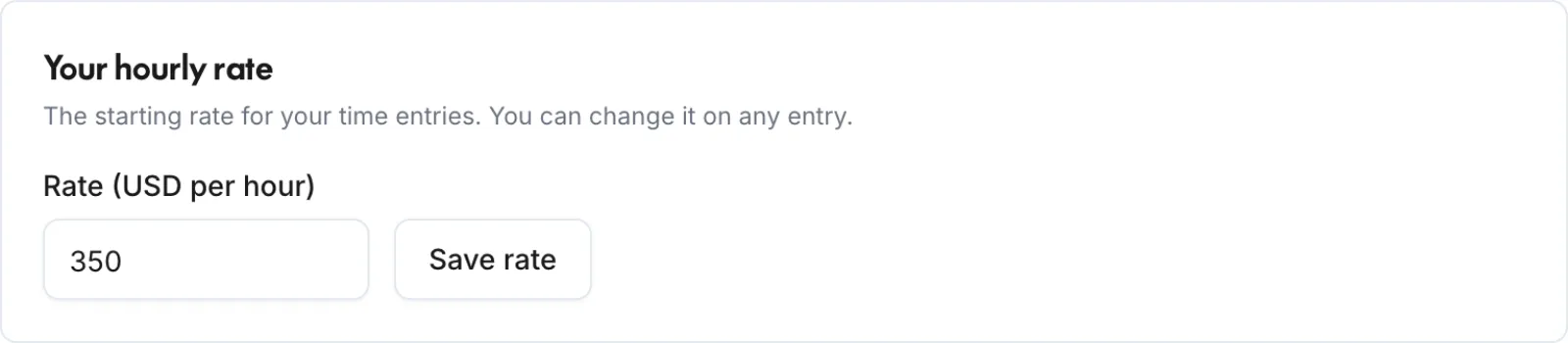
- Click Save rate.
What happens next
New time entries start at this rate. Entries you recorded before keep the rate they had. A matter or a letter can carry its own agreed rate; for example, a matter opened from an accepted hourly letter uses the rate in that letter.
Next, add your first contact.
If something looks wrong
- A time entry shows a different rate. The matter may have its own agreed rate, or someone changed the rate on that entry. You can change it on the entry itself.
- The rate did not save. Type a number only, without the dollar sign, and click Save rate again.