Invoices for monthly and yearly plans
When a client has accepted a subscription (monthly, quarterly or yearly) and its matter is open, LexBooks keeps track of the periods not yet invoiced. You make all the due invoices in one go.
Steps
- Click Billing in the left-hand menu.
- Click Invoices due for plans. The number in brackets is how many are due.
- Check the list. Each line shows the matter, the plan, and how many periods are not yet invoiced. Every line is ticked.
- Untick any line you do not want to invoice now.
- Click the button that reads, for example, Create 3 draft invoices. The number is how many it will make.
What happens next
LexBooks makes one draft invoice per line, at the price agreed in the letter. Nothing is sent. Open each draft from the links shown, or from Billing, then approve and send it as in Make and send an invoice.
The dashboard reminds you under Needs your attention when plan invoices are due.
If something looks wrong
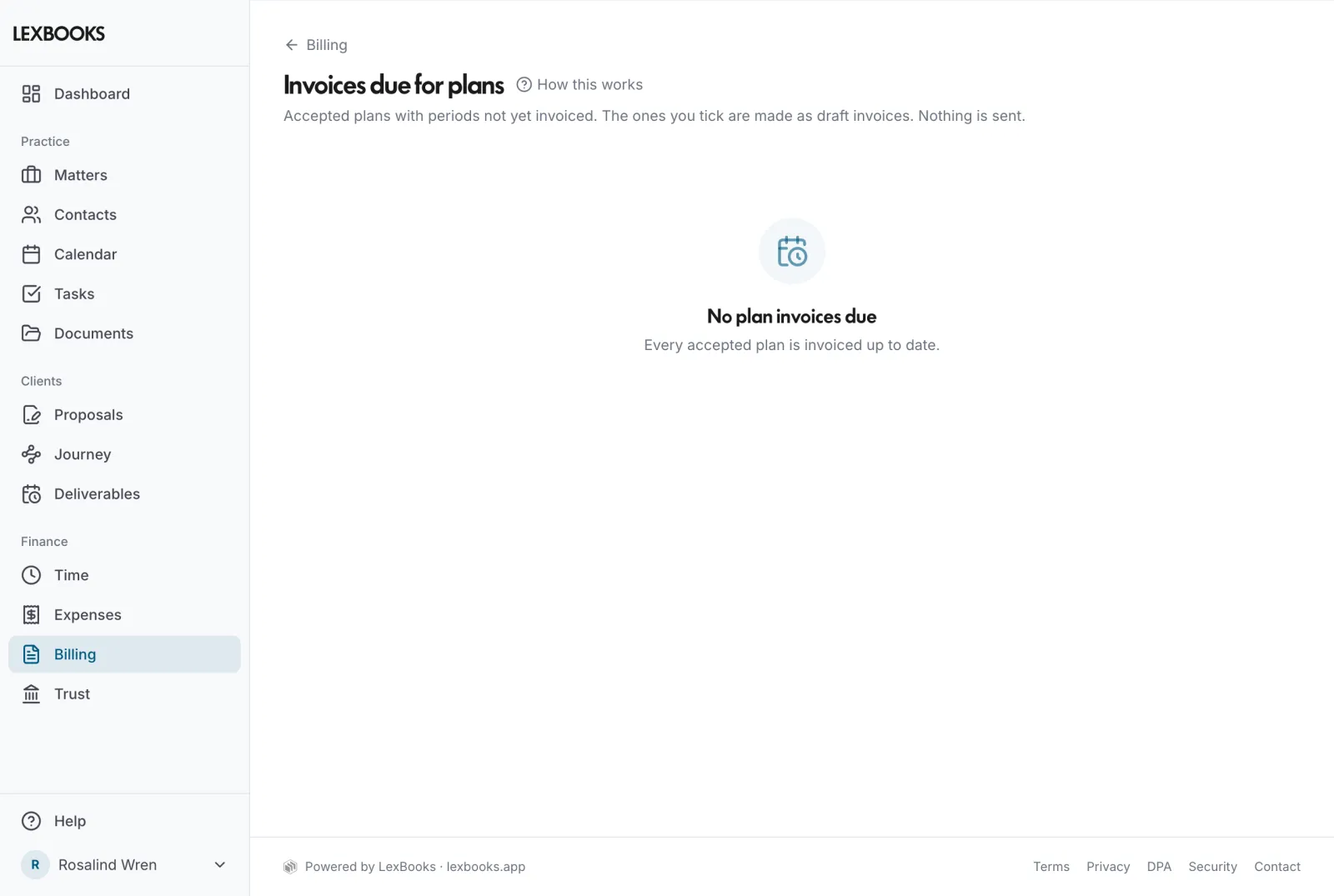
- “No plan invoices due”. Every accepted plan is invoiced up to date.
- A client's plan is missing. A plan appears once its letter is accepted and converted to a matter. Open the letter and click Convert to matter.